DeepSeek Harness
About
Open-source agent harness by DeepSeek built on the Cordis plugin system. Everything is a plugin — models, tools, skills, sessions, sandboxes, storage, scheduling, and UI are all composable and replaceable
Our Verdict
Game-ChangingRedefining agent architecture with a truly modular plugin system
DeepSeek Harness brings a paradigm shift to agent development by building everything on Cordis's plugin architecture. Every capability — from the model backend to the UI — is a swappable plugin, making it the most modular agent platform available. While still in developer preview with a nascent plugin ecosystem, its architectural elegance and backing by DeepSeek position it as a potential game-changer in the agent development space. The trajectory view, multiple agent modes, and session replay capabilities already provide a solid foundation for both development and production use.
Best for
- •Developers building custom AI agents
- •Researchers exploring agent architectures
- •Teams wanting full control over agent stack
Consider alternatives if
- •AutoGPT (mature agent framework with broader ecosystem)
- •Dify (visual agent builder with more GUI tools)
Supported Platforms
Available platforms include Web App, Windows, macOS, and Linux.
Key Features
Pricing
Use Cases
Pros
Cons
Latest Update
2026-08-13 (Developer Preview)
Get Started with DeepSeek Harness in 5 Steps
Get Started with DeepSeek Harness in 5 Steps
Install and start the Web UI
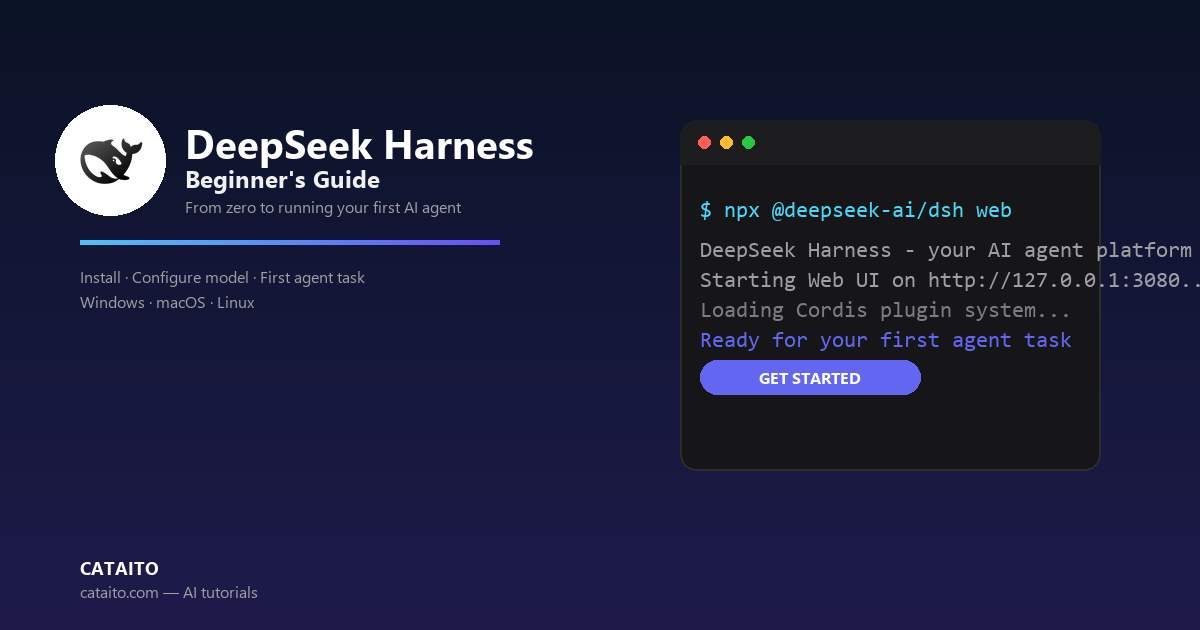
Install Node.js, then run `npx @deepseek-ai/dsh web` to start the Web UI, served at http://127.0.0.1:3080 by default. The dsh process uses its invoking directory as the default filesystem location. To run from source, clone the repository, run pnpm install, pnpm run build, and pnpm dsh web. 
npx @deepseek-ai/dsh webgit clone https://github.com/deepseek-ai/deepseek-harness.git && cd deepseek-harness && pnpm install && pnpm run build && pnpm dsh webConfigure a model
Open Settings → Models, enter a DeepSeek API key, and save it. The model route becomes usable immediately without restarting the server. To add other providers, choose Add provider and select one from the installed catalog (Anthropic, OpenAI, etc.), or choose Add a custom provider for a company gateway or self-hosted OpenAI-compatible endpoint — supply a lowercase Provider ID, base URL, API protocol, credential, and at least one model. You can also fetch available models from the endpoint before saving. 
llm-pi-ai:
  providers:
    my-gateway:
      apiKeyEnv: GATEWAY_API_KEY
      api: openai-completions
      baseURL: https://gateway.example/v1
      models:
        - id: vision-preview
input: [text, image]Choose a workspace
Click Choose workspace, add the project directory where you started dsh, and select it. A fresh Web UI has no selected workspace until you add one — the session composer remains unavailable until a workspace is selected.
A fresh Web UI requires selecting a workspace before the session composer is available.Run a task in a session
Start a session and send a prompt, for example: "Summarize this repository and identify its main packages." The agent can read and edit workspace files, run commands, delegate work, and maintain a plan. The Web UI asks before operations that require approval under the active permission policy.
Summarize this repository and identify its main packages.Go further: CLI modes and the Python SDK
Beyond the Web UI, dsh offers CLI entry modes — run a single headless session with `dsh --profile headless "job"` for a one-shot persisted session. For programmatic use, install the Python SDK (`python -m pip install deepseek-harness-sdk`, Python 3.10+, Linux/macOS), set DEEPSEEK_API_KEY, and drive the harness from your own program.
dsh --profile headless "Inspect the repository and fix the failing tests."python -m venv .venv && . .venv/bin/activate && python -m pip install deepseek-harness-sdk && export DEEPSEEK_API_KEY=sk-...from deepseek_harness import DeepSeekHarness
with DeepSeekHarness(
provider="deepseek-official",
model="deepseek-v4-flash",
max_tokens=49152,
cwd="/path/to/workspace",
session_root="/path/to/sessions",
cordis="examples/jsonrpc-agent/minimal.cordis.yml",
) as harness:
result = harness.run(
"Inspect the repository and fix the failing tests.",
session_id="example-001",
)
print(result.final_response)More from DeepSeek

Related AI Agents Tools
The early autonomous-agent phenomenon, now rebuilt as a low-code AI agent workflow platform (AutoGPT Platform)

Cross-platform AI agent by Nous Research with unified memory across Telegram, Discord, Slack and more

Open-source LLM app development platform with AI workflows, RAG pipelines, agent capabilities and model management

ByteDance's AI bot development platform with custom plugins, knowledge base, workflows, one-click multi-channel publishing