DeepSeek Harness
关于
深度求索推出的开源 Agent 开发平台,基于 Cordis 插件系统构建,一切皆插件——模型、工具、技能、会话、沙箱、存储、调度、UI 均可自由替换与组合
编辑评价
变革级以真正模块化的插件系统重新定义 Agent 架构
DeepSeek Harness 将一切建立在 Cordis 插件架构之上,带来了 Agent 开发的范式转变。从模型后端到 UI,每一个能力都是可替换的插件,使其成为目前最模块化的 Agent 平台。虽然仍处于开发者预览版阶段,插件生态尚在早期,但其架构优雅性和深度求索的背书使其有潜力成为 Agent 开发领域的变革者。Trajectory 视图、多种 Agent 模式和会话回放能力已经为开发和生产使用提供了坚实基础。
最适合
- •构建自定义 AI Agent 的开发者
- •研究 Agent 架构的研究人员
- •希望完全控制 Agent 技术栈的团队
以下情况建议考虑替代方案
- •AutoGPT(成熟的 Agent 框架,生态更广泛)
- •Dify(可视化 Agent 构建器,GUI 工具更丰富)
平台支持
可用平台包括网页版、Windows、macOS和Linux。
核心功能
定价方案
使用场景
优点
缺点
最新动态
2026-08-13(开发者预览版)
5 步上手 DeepSeek Harness
5 步上手 DeepSeek Harness
安装并启动 Web UI
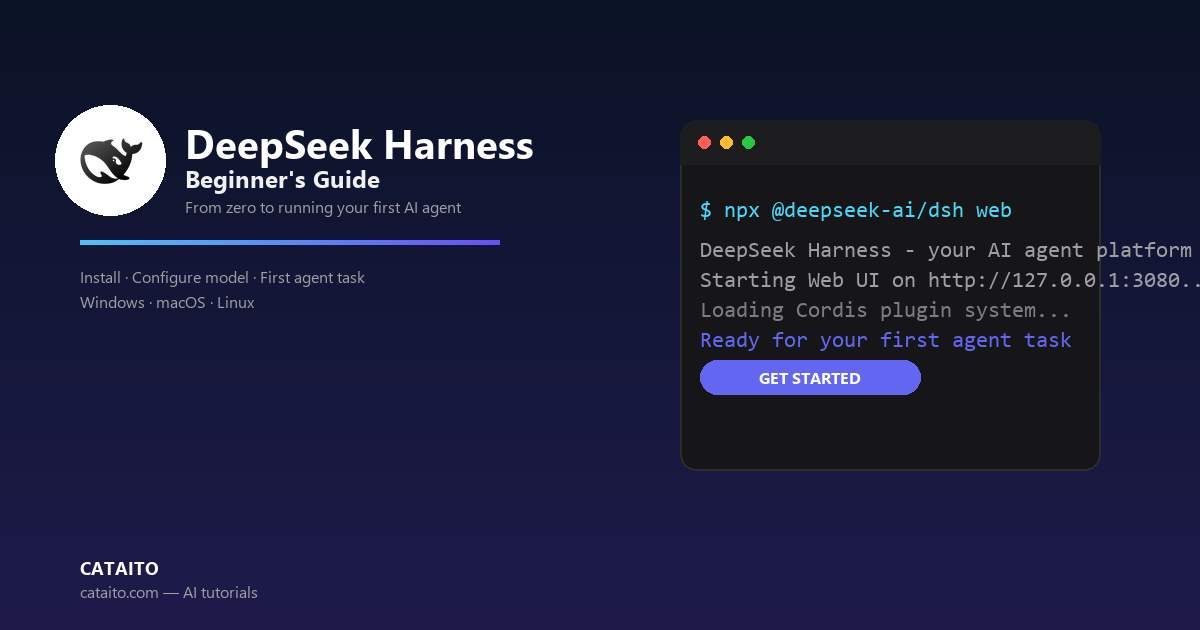
安装 Node.js 后,运行 `npx @deepseek-ai/dsh web` 启动 Web UI,默认服务地址为 http://127.0.0.1:3080。dsh 进程会把调用目录作为默认文件系统位置。也可以从源码运行:克隆仓库后依次执行 pnpm install、pnpm run build、pnpm dsh web。 
npx @deepseek-ai/dsh webgit clone https://github.com/deepseek-ai/deepseek-harness.git && cd deepseek-harness && pnpm install && pnpm run build && pnpm dsh web配置模型
打开「设置 → 模型」,输入 DeepSeek API 密钥并保存,模型路由会立即可用,无需重启服务器。要接入其他提供方,选择「添加提供方」并从已安装目录中选取(Anthropic、OpenAI 等);对于公司网关或自建 OpenAI 兼容端点,选择「添加自定义提供方」——提供小写 Provider ID、基础 URL、API 协议、凭据和至少一个模型。保存前还可以从端点「获取可用模型」。 
llm-pi-ai:
  providers:
    my-gateway:
      apiKeyEnv: GATEWAY_API_KEY
      api: openai-completions
      baseURL: https://gateway.example/v1
      models:
        - id: vision-preview
input: [text, image]选择工作区
点击「选择工作区」,添加启动 dsh 时所在的项目目录并选中。新的 Web UI 在添加工作区前不会选中任何工作区——选中工作区前,会话输入框不可用。
新的 Web UI 必须选择工作区后,会话输入框才可用。在会话中运行任务
启动一个会话并发送提示,例如:「Summarize this repository and identify its main packages.」。Agent 可以读取和编辑工作区文件、运行命令、委派工作并维护计划。当操作在当前权限策略下需要审批时,Web UI 会先询问你。
Summarize this repository and identify its main packages.进阶:CLI 模式与 Python SDK
除了 Web UI,dsh 还提供 CLI 入口模式——使用 `dsh --profile headless "job"` 运行一次性持久会话并退出。需要编程调用时,可安装 Python SDK(`python -m pip install deepseek-harness-sdk`,要求 Python 3.10+、Linux/macOS),设置 DEEPSEEK_API_KEY 后即可在自己的程序中驱动 Harness。
dsh --profile headless "Inspect the repository and fix the failing tests."python -m venv .venv && . .venv/bin/activate && python -m pip install deepseek-harness-sdk && export DEEPSEEK_API_KEY=sk-...from deepseek_harness import DeepSeekHarness
with DeepSeekHarness(
provider="deepseek-official",
model="deepseek-v4-flash",
max_tokens=49152,
cwd="/path/to/workspace",
session_root="/path/to/sessions",
cordis="examples/jsonrpc-agent/minimal.cordis.yml",
) as harness:
result = harness.run(
"Inspect the repository and fix the failing tests.",
session_id="example-001",
)
print(result.final_response)